
Powering everything from automation and AI to enterprise applications and cloud platforms, Python is the foundation of modern software development. These capabilities make Python one of the most accessible programming languages for beginners. That’s the reason learning Python basics is relevant even in 2026 and years to come.
Python was primarily created with humans in mind, with a focus on readability, clarity, and simplicity, enabling developers to master Python basics without getting overwhelmed.
This blog helps you understand each concept in detail, and you follow coding examples given alongside.
Install Python and let’s start!
Why is it a Smart Choice to learn Python Basics in 2026?
Despite the availability of a wide range of programming languages in 2026, Python is still one of the top choices for companies across the United States and worldwide. They rely on Python for web development, data analysis, artificial intelligence, automation, scripting, cloud operations, and even for cybersecurity. An interesting thing here is that Python programming basics are similar across all these fields.
By learning Python basics, you are not restricting yourself to a limited career path; you are building a strong foundation to acquire skills for multiple industries.
What is Python: An Introduction
Before starting from scratch, it is important to understand the broader concept like what Python is, why it was developed, and how it works. It’s an easy to learn, simple programming language that allows developers to give instructions to computers via readable and clear syntax. It closely resembles the English language and avoids the need to use complex structures and symbols. Here’s an example of how you can code with Python:
message = "Welcome to Python basics"

print (message)
Due to this clarity, Python is recommended as the first programming language to learn for people who are starting their programming careers. It promotes simplicity over complexity, readability over cleverness, and explicit behavior over masked actions.
How Does Python Operate?
Apart from learning how to write code in Python, it’s also crucial to understand how Python operates and executes that code. It assists developers in debugging issues and builds a strong foundation. Python works on writing code, interpretation, execution, and producing output. This process starts when you give a command; Python reads it, converts it into intermediate form, and executes it line by line.
A Quick Python Basics Reference
This guide explains all these Python programming basics in detail with relevant coding examples:
Python Basic concepts | Examples |
1.Python Syntax | print(“Hello, Python”) |
2.Variables and Data Types | age = 25 name = “Alice” is_student = True |
3.Operators | x = 5 + 10 y = 7 * 3 |
4.Expressions | result = (10 + 2) * 5 |
5.Conditional Statements | if age >= 18: print(“Adult”) else: print(“Minor”) |
6.Loops | for fruit in [“apple”, “banana”]: print(fruit) |
7.Functions | def greet(name): return “Hi ” + name |
8.Modules and Libraries | import math; print(math.sqrt(16)) |
Basics of Python Associated with Syntax
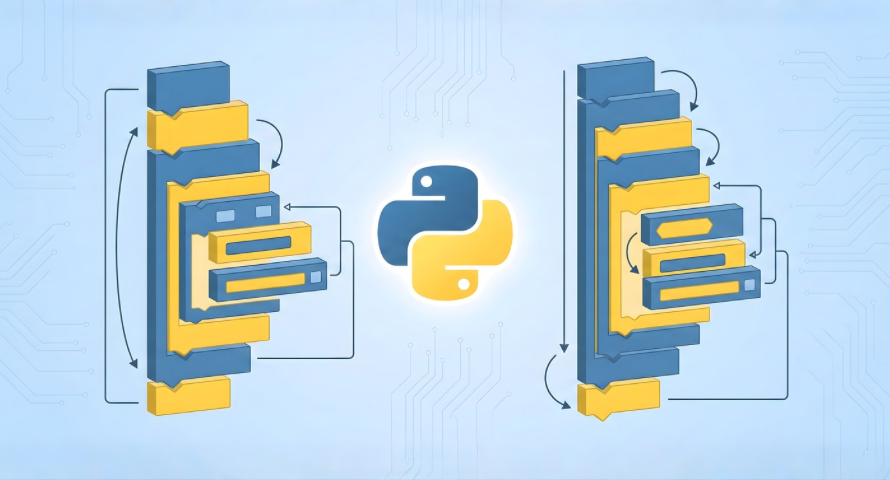
Python’s human-readable syntax and simple nature make it a go-to language for developers who are planning to start their coding career. In contrast with other programming languages, Python emphasizes clarity the most. That’s the reason Python is among the best programming languages to learn for developers.
Here’s how to print a message with Python:
print (” Learning Python basics”)
Also, while coding with Python, you have to follow certain rules:
Rule #1
For code blocks, indentation is there:
age = 18

if age >= 18:

print ("You are an adult")

else:

print ("You are a minor")
Rule#2
Case sensitivity of Python makes variables “Name’ and ‘name’ as different entities. It’s one of the crucial basic coding concepts in Python.
Name = "Alex"

name = "Bella"

print (Name)

print (name)
Rule # 3
There’s no need for a semicolon in Python:
print (" Hello, Python")
Rule #4
Single-line and simple comments are used in Python. Here you can see:
This prints a greeting.
print (" Hello, Python Basics")
Rule#5
Python also enables the use of multiple statements in one line with a semicolon:
x = 5; y = 10; print (x + y)
Data Types and Variables
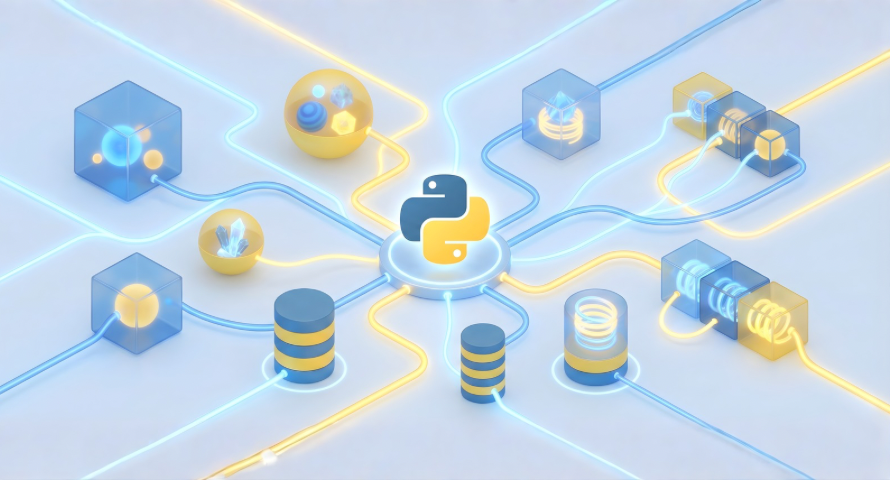
Being dynamically typed, Python eliminates the need to declare variable type. It automatically detects it.
Here are some data type examples for your understanding:
Integer (int)

age = 25

print (age)

Float (float)

price = 19.99

print (price)

String (Str)

name = " Alice "

print (name)

Boolean (bool)

is_student = True

print ( is_student )
There can be different values stored on your computer, termed as variables. You can imagine them as a container that is labeled and holds information. Python developers can use and manipulate this information in their programs:
name = " Emma "

age = 26

is _ student = True
Type conversion in Python:
x = 5

y = float (x)

z = str (x)

print (y)

print (z)
You can check the data type in Python fundamentals with this function ‘type ( )’:
age = 25

print (type (age)) #

name = " Alice "

print (type (name))
In this example, the name is a variable holding the string “Emma”, age variable holds integer 26 and ‘is_student’ is a Boolean True.
Here’s how to name variables:
Valid variable names

user_ name = " Alex " _age = 30 score1 = 100

Invalid variable names

1score = 50

user_name = " Bob "

for = 10
Operators and Expressions in Python with Examples

Other basics of Python coding are operators and expressions; they are involved in manipulating variables and data types. They are the base of all logical decisions, program behavior, and computations in the Python language.
Operators instruct Python to conduct specific operations on different values.
x = 10

y = 5

print (x + y)
Some popular Python fundamental operator types include:
1. Arithmetic Operators
These operators conduct basic mathematical operations. Here’s a coding example for your understanding:
a = 7

b = 3

print (a + b)

print (a - b)

print (a * b)

print (a / b)

print (a // b)

print (a % b)

print (a ** b)
2. Comparison operators
With comparison operators, it becomes easy to compare two values and give a Boolean result, which can be True or False. These operators are essential for logical decisions and control flow as well. Here’s an example of Python basics code with comparison operators:
x = 10

y = 8

print (x == y)

print (x! = y)

print (x > y)

print (x < y)

print (x >= 10)

print (y <= 5)
3. Assignment Operators
With assignment operators, it is possible to store values in variables. These operators can also combine arithmetic operators with assignment operators.
x = 10

x += 5

print (x)

x *= 2

print (x)
4. Logical Operators
Logical operators make it possible to combine Boolean expressions. They are important in decision-making:
a = True

b = False

print (a and b)

print (a or b)

print (not a)
In loops and if else statements, logical operators are widely utilized.
A Python expression is a combination of variables, values, and operators that generate results:
Python basic expressions example:
result = 10+ 2 * 5

print (result)

result = (10 + 2) *5

print (result)
If Else Statements: Python Fundamentals

If-else statements are also among the Python programming basics. All Python programs revolve around these conditions, whether it’s about developing web apps or even a basic calculator.
Python if statement
With an if statement, you can execute code only when the condition is true.
if condition:

# code to execute if the condition is True
Here’s an example of an if statement in Python:
age = 18

if age >= 18

print (" You are an adult")

Output:

You are an adult
This message will be printed because the condition of age is true.
Else statement in Python
Your program can be executed when the if condition is false. Here’s the code example:
if

#code if True

else

#code if False

age = 15

if age >= 18:

print (" You are an adult ")

else:

print (" You are a minor")

Output

You are a minor
Python Basic Loops for Easy Coding
While programming, developers have to repeat tasks multiple times; that makes writing code error-prone, tedious, and inefficient. To handle this problem, there come Python loops enabling automatic repetition of code when the desired condition meets. Loops execute a code block repeatedly.
1. For Loop
Python basic loop sequences like strings, lists, tuples, and ranges are iterated with the ‘for loop’.
Here’s a for loop example to iterate over a list
fruits = [ “apple”, " banana ", " cherry"]

for fruit in fruits:

print (fruit)

Output:

apple

banana

cherry
2. While Loop
Until a condition is True, the while loop keeps on repeating a block. Particularly, it is best for situations where the exact number of iterations is not known.
A while loop example with user input:
user_input = " "

while user_ input. lower ()! " quit":

user_input = input (" Enter something (type 'quit' to exit): ")


print (" You entered:", user_input )
3. Nested Loops
To work with tables, multi-dimensional data, and grids, nested loops are crucial:
for i in range (1, 4):

for j in range (1, 4):


   print ( i * j, end = "")


print ()

Output

1 2 3

2 4 6

3 6 9
4. Controlling Loops
Special statements are offered by Python to control the execution of loops. Here’s an example:
Stops loops entirely.

for i in range (5):

if i == 3:

    break


print (i)

Output

0

1

2
Python Programming Fundamental Functions
Functions are one of the most important basics of Python programming. Being a developer at an initial career stage, you can organize your code into reusable blocks, making different programs easy to maintain, debug, and read. Functions also help in organizing code logically, debugging, avoiding code repetition, and improving readability.
Here’s a snapshot of all Python function essentials:
Key Features | Explanation | Examples |
1.Function Definition | def keyword | def greet ( ): print (“Hi”) |
2.Function Call | Execute function | greet () |
3.Parameters and Arguments | Inputs to functions | def add (a , b ) |
4.Return Value | Output from function | return a + b |
5.Default Parameters | Offer default values | def greet (name = “guest”) |
6.Keyword Arguments | Pass arguments by name | greet (name = “Alice”) |
7.Variable-Length Arguments | “args and ** kwargs | sum_ numbers ( *args ) |
8.Lambda Functions | Anonymous one-line functions | lambda x : x ** 2 |
9.Scope | Local vs Global variables | Variables inside function are local |
Python Libraries and Modules: Basic Coding Concepts

Python’s extensive ecosystem of modules and libraries is a strength. Basically, a module is a file with Python code including variables, classes, or functions. Python modules are broadly divided into Built-in modules, pure Python modules, and third-party modules, including Python array modules.
Here is how Python developers can use the math module:
import math

print (math.sqrt (16))

print (math.pi )
Libraries in Python are a collection of modules that are closely related, for example, Pandas, NumPy, Matplotlib, and Requests.
Advanced Python Fundamentals
By now, you must be well aware of all Python programming fundamentals at a very basic level. To move forward and to make your code efficient and concise, you should master some advanced Python language basics as well. These include:
- List comprehensions to create lists in a single line of code.
- Dictionary comprehensions
- Set comprehensions
- Iterators and generators in Python
Python Real World Applications: Basics + Advanced Features
All Python fundamentals are useful in real-world programs, and you can combine them for ideal results. Some practical use cases of basics and advanced Python concepts are:
- Automation tasks, such as renaming multiple files
- Web scraping from websites.
- Data analysis
- OOP in real-world examples
- File handling
- Building mini apps like a to-do list manager
Python Best Practices for Developers in 2026
Some best practices that Python developers can adopt to design web projects, adding value when companies hire Python developers:
- Following Python naming conventions
- Using functions to organize code efficiently
- Commenting and documenting their code
- Error handling and exceptions
- Writing Pythonic code
- Modularizing code
- Testing and version control
Wrapping Up
By having a grip on all Python basics, beginners can develop a solid foundation to excel in various fields, including data science, AI/ML, automation, and web development. It can be rightfully claimed that Python is a gateway to career growth and innovation. However, keep in mind that practice is the key to mastering Python.